Guide
How to create a plan and set a reminder

Plans keep the things you are looking forward to in one shared place, with a date and a reminder so nobody has to remember on their own.
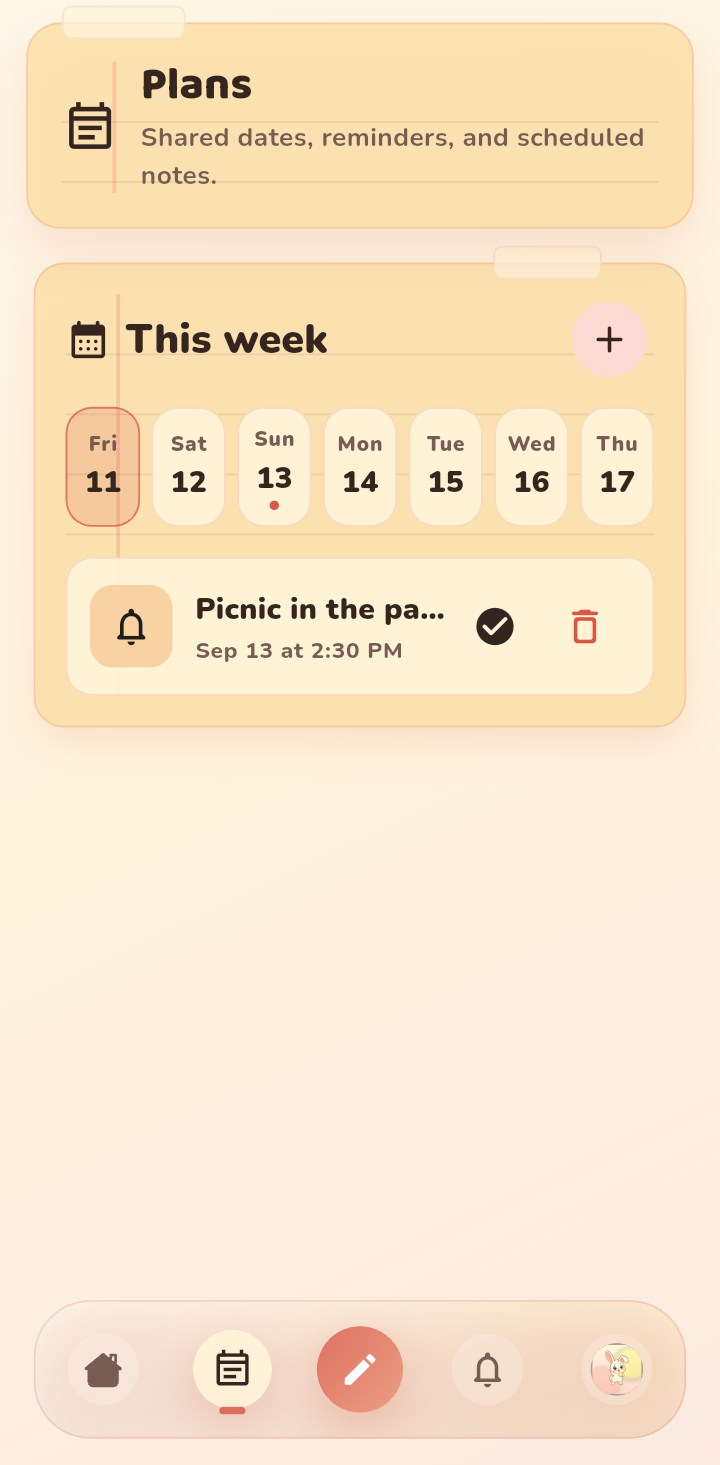
Step 1: Add a plan
From the board, add a new plan and give it a clear title. Something like picnic on Saturday or call at 8 works better than vague labels.
Step 2: Set the date and time
Pick the day and time. Once it is set, the plan shows up in your week view so you can both see what is coming.
Step 3: Add a reminder
Turn on a reminder and choose how early it should fire. Five minutes before is good for a quick nudge. A day before is better for something you need to prepare for.
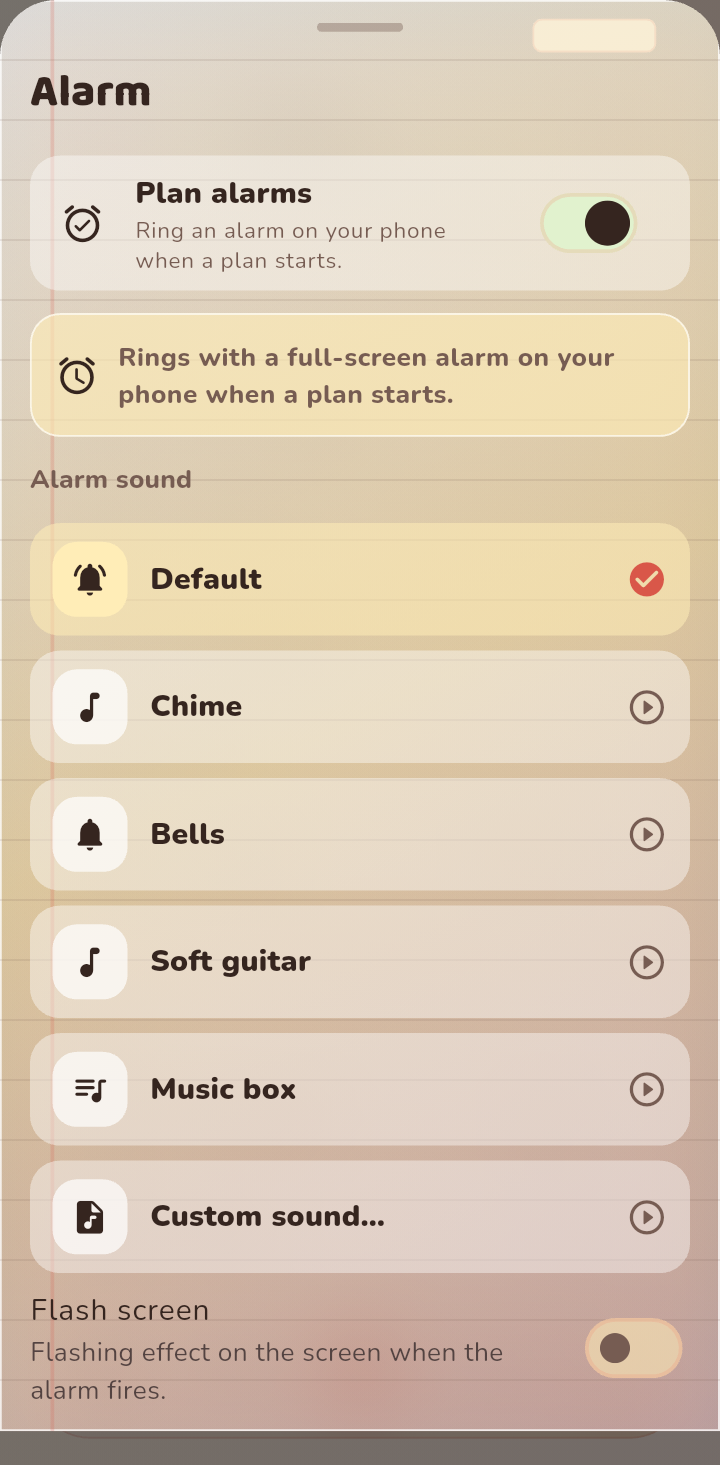
Step 4: Change it any time
If plans move, edit the plan. Both of you see the update, and the reminder follows the new time. There is no need to send a separate message.
Tips
- Add the small details where it helps, like a time or a place, so nobody has to ask.
- Use a plan for anything you would otherwise text about twice.
- Pair a plan with a doodle or a note to make it feel like yours.
FAQ
Can only one of us add a plan?
Either of you can add a plan. Both of you see it on the board and both of you can set or change the reminder.