Guide
How to draw and send a doodle

A doodle does something a paragraph cannot. It is playful, personal, and quick. This guide shows you how to draw one and leave it on the board.
Step 1: Open the doodle composer
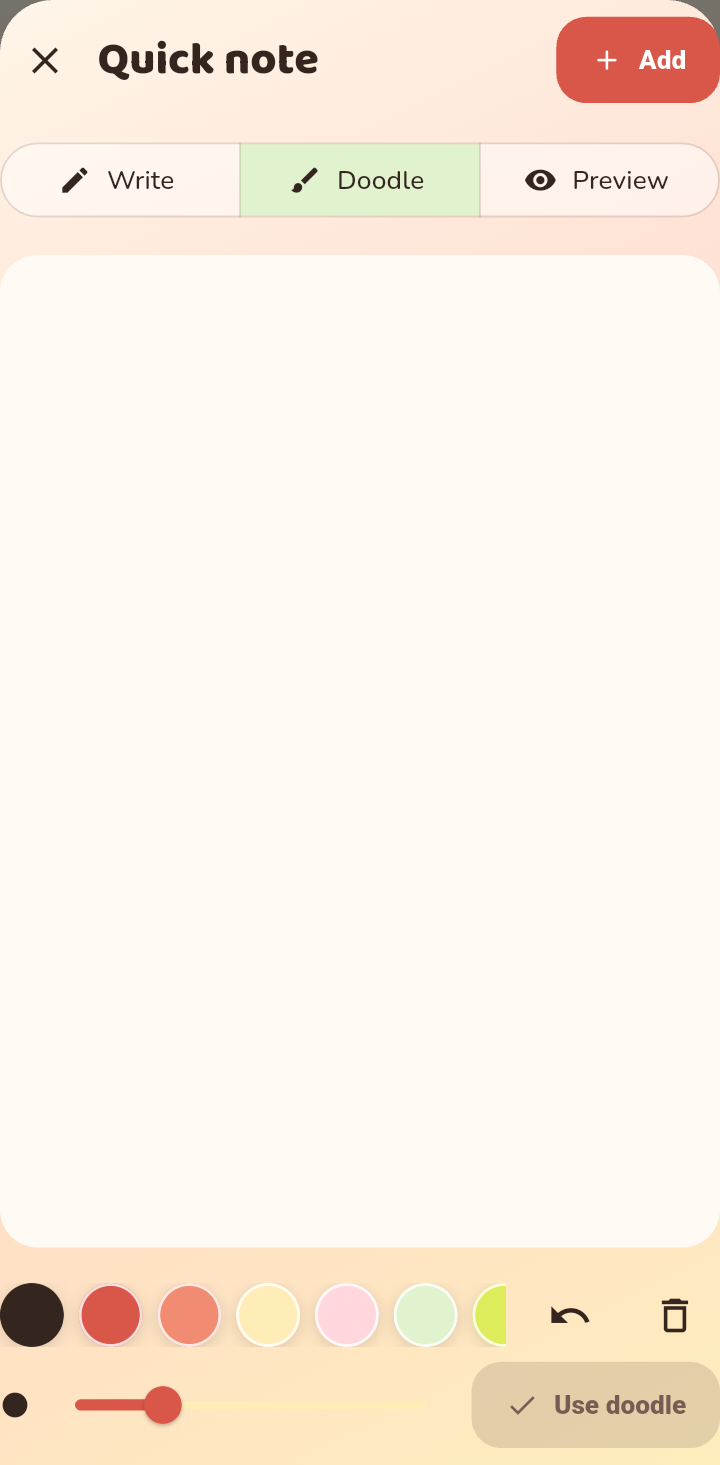
From the composer, choose the drawing option. You get a blank page and a small set of tools: a brush, colors, and an eraser.
Step 2: Draw
Use your finger to draw. Keep it loose. A lopsided heart or a silly stick figure usually lands better than something polished. You can undo a stroke if you do not like it.
Step 3: Send it to the board
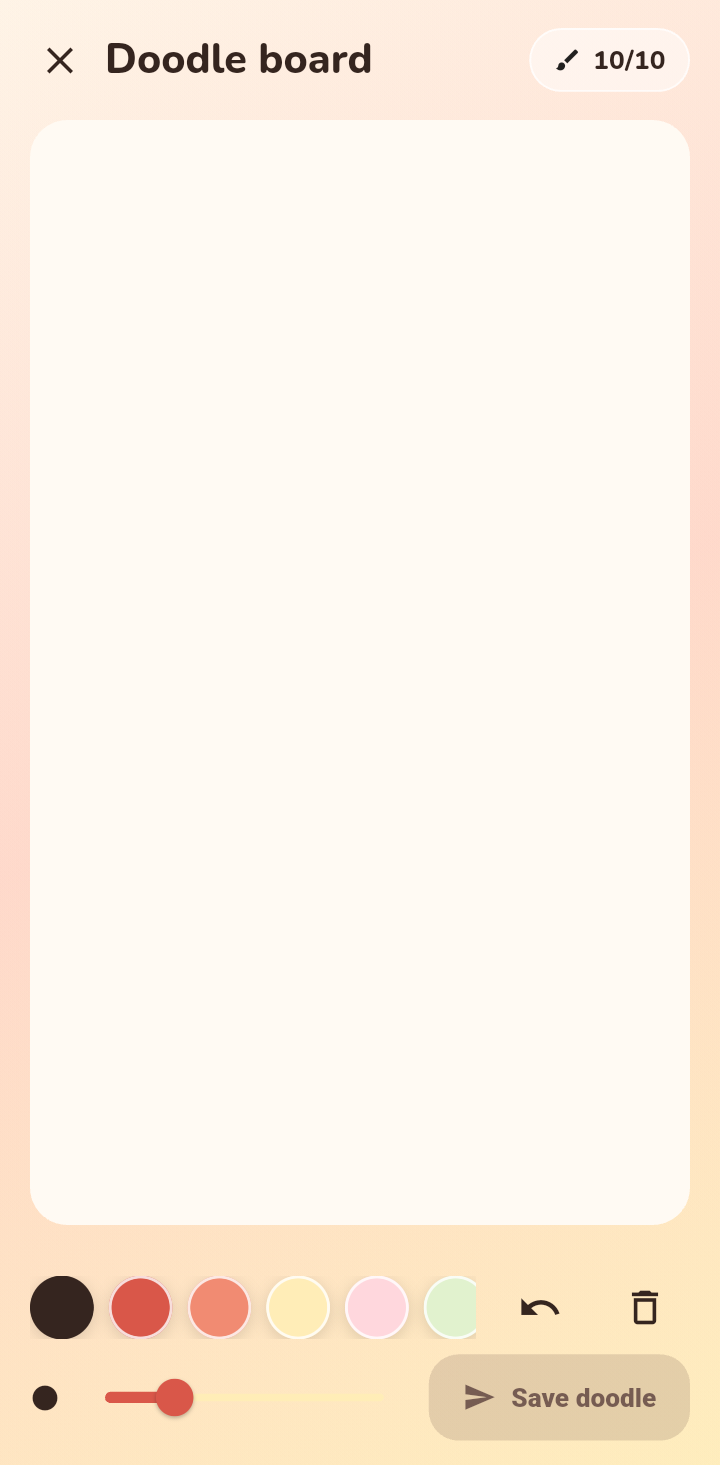
When you are happy with it, send the doodle. It appears on the board like any other note, so your person will see it the next time they open the app.
Doodle ideas
- A quick heart when you have nothing else to say.
- A tiny map or arrow to point at a plan.
- An inside joke only the two of you understand.
- A countdown doodle for something you are both looking forward to.
Tips
- Keep it small. Doodles are best as a little surprise, not a project.
- Pair a doodle with a plan. Drawing something about a trip makes the plan feel real.
- Do not worry about being good at drawing. That is not the point.