Guide
How to set up custom alarms

Alarms are one of the most used things on a phone and one of the most boring. Lovie lets you set them with your own labels and a softer feel, without giving up reliability.
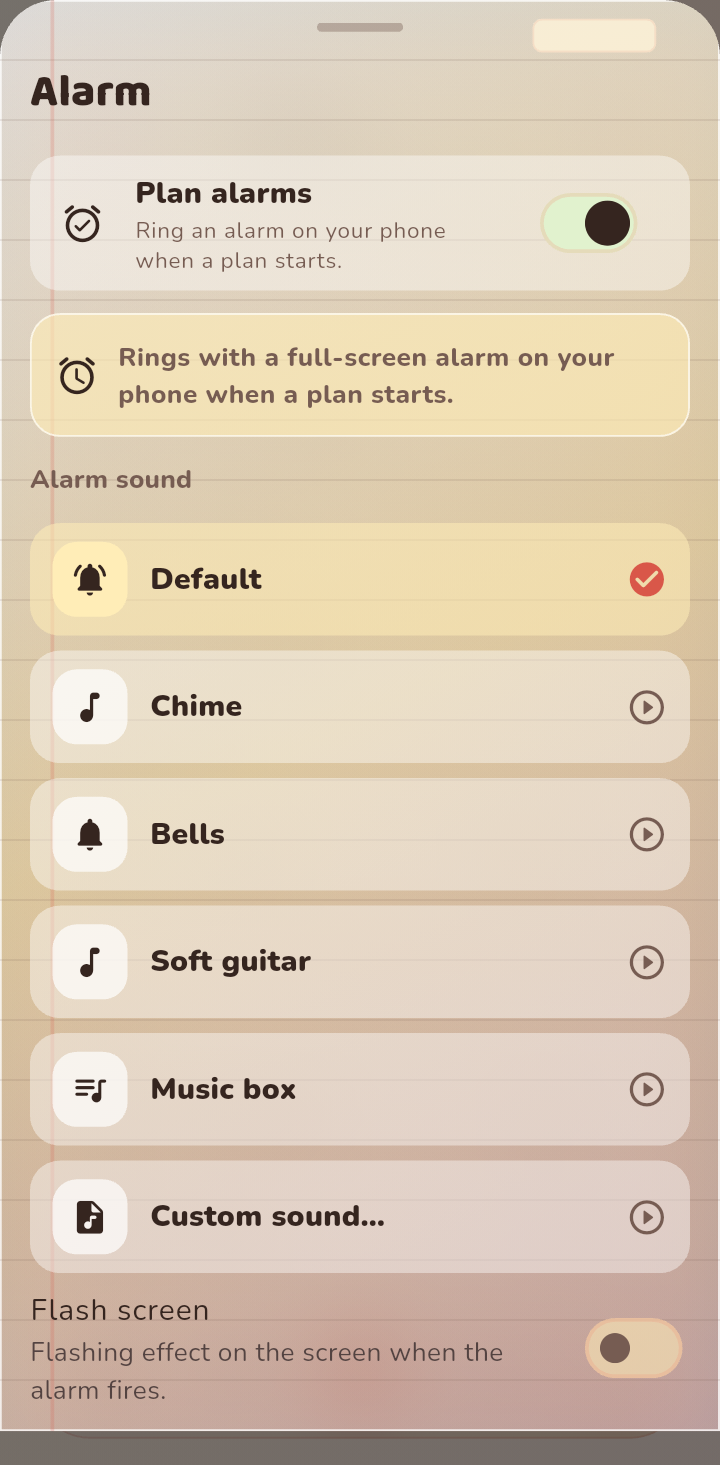
Step 1: Open the alarm settings
From your profile, open Alarm. This is where you set how Lovie alarms behave and which sound they use.
Step 2: Give the alarm a label
A label makes an alarm useful at a glance. Use something that tells you what it is for, like call mum or leave for work, instead of a plain time.
Step 3: Choose the sound and feel
Pick the sound you like, and decide whether it should vibrate or flash. If you are in Lovie Plus, you can use the full set of custom sounds and effects.
Step 4: Save it
Save the alarm and it becomes part of your plan reminders and wake ups. You can edit or remove it any time.
Tips
- One alarm per purpose keeps them easy to scan.
- Softer sounds are easier to wake up to over time than a blaring tone.
- If an alarm does not ring, check that notifications and alarm permissions are allowed for Lovie in your phone settings.
FAQ
Do alarms work on the free plan?
Yes. Alarms work normally on the free plan. Lovie Plus unlocks extra alarm sounds and effects.